



Flexible packages
Available as 1, 4, 12, and 18 Sessions.
Package Savings
Multi-session packages up to 32% off.
Scheduling
Convenient email link, on our site, or by phone.
Purchase a Package
Get one session, or save when you bundle.
Free Consultation
We can discuss how many sessions would best fit your goals. And you can choose any size package that fits your budget.
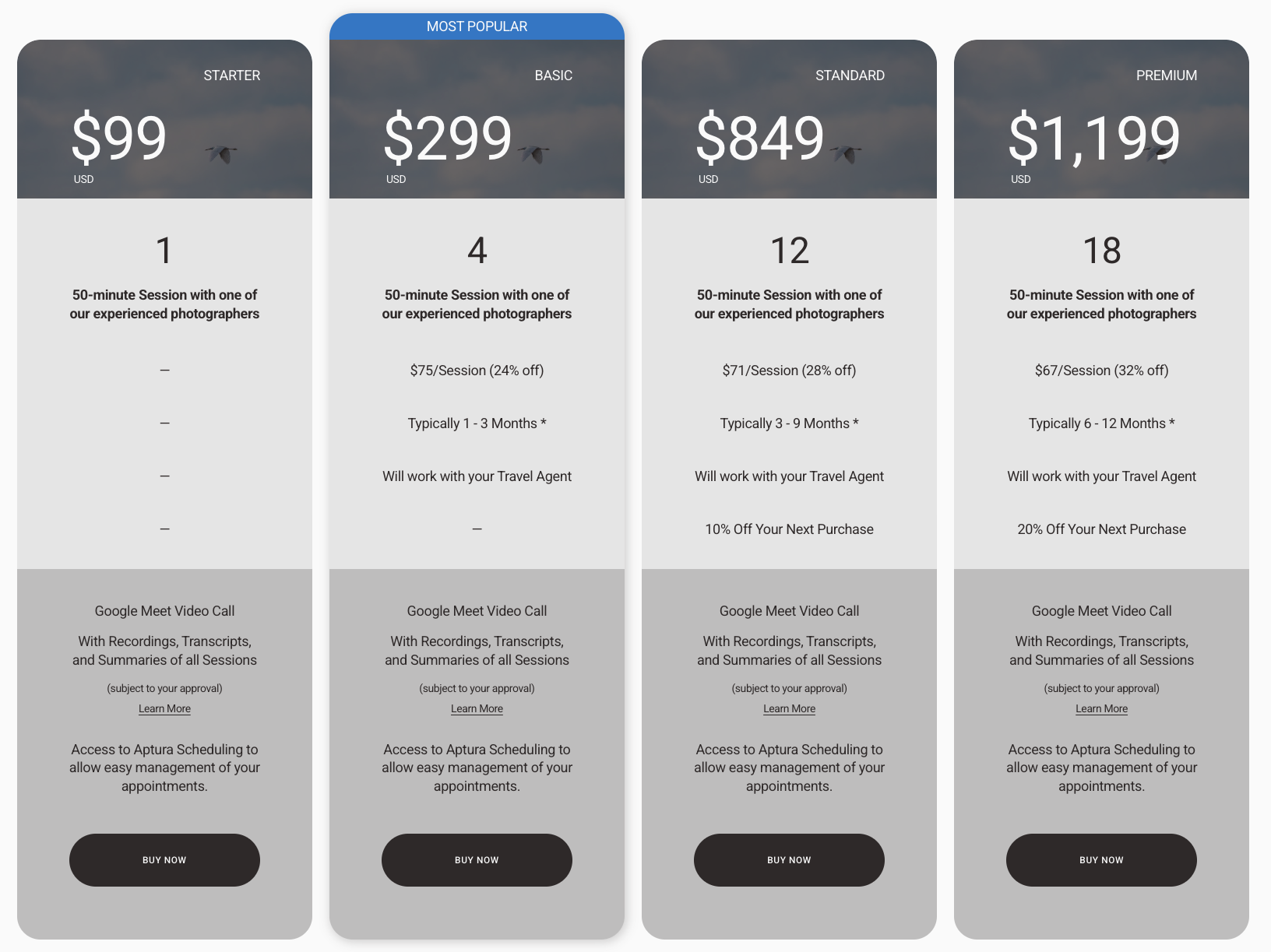
Travel Planning Package Comparison (for illustration only)
Select a service - Coaching or Travel Planning from the Site’s Top Menu.
Note: all other services are purchased and scheduled together.
Compare Packages and “Buy Now” - Review the different package options for each service. Start the purchase process with “Buy Now”.
Add to Cart and Checkout - We use Acuity for our sales and scheduling. Click “Add to Cart” and “Checkout”, then follow the prompts on the screen.
Schedule your first session - On the confirmation screen, you can click “Use Package” to schedule your first session (or all if you’d like). Alternatively, you can schedule your sessions at your convenience from the confirmation email that is sent after purchase.
For more information on scheduling, see Schedule.
Scheduling you control.
Manage your sessions online whenever it works for you.
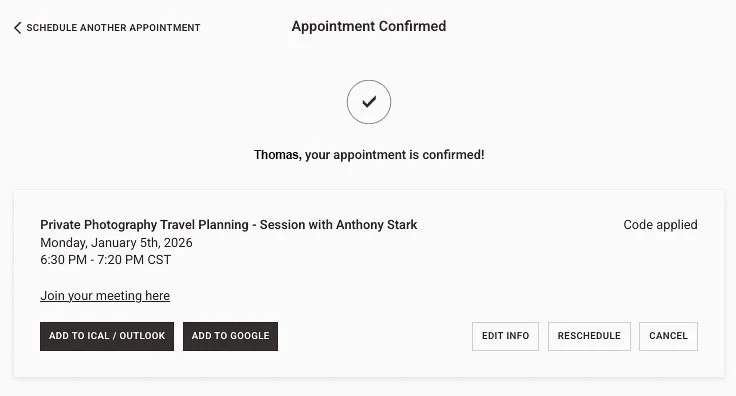
Three ways to schedule your sessions.
Order Confirmation Screen - Schedule one or all of your sessions before you even leave the screen.
Order Confirmation Email - You should receive an email within minutes. You can schedule anytime with this email. Search “Aptura” and look for the subject line, “Product Order”.
Book Now Button on the Aptura Website - Always available on the top-right of the website, click “Book Now”, choose "Schedule using my Package Code”, and select the service you purchased. At Checkout, use your Package Code in the “Package, gift, or coupon code” field.
Add scheduling@acuityscheduling-mail.com to your trusted addresses.
Lost Your Package Code?
If you haven’t already checked your email, try these steps here.
Otherwise, follow the steps in this section to receive a new email.
Click the “Acuity Scheduling” button below.
At the bottom, select “CHECK CODE BALANCE”, then “Check by email”.
Enter the email address used to purchase the package, and select “CONFIRM”.
You will receive an email, select “Schedule Now” or copy the Package Code.